- Is Beetroot free?
- Yes. Free with all features, and open source under Apache 2.0. There are no ads, trials, or paid tiers, and no telemetry.
- Is Beetroot open source?
- Yes, under Apache 2.0. The full source is on GitHub. Read it, report bugs, or contribute.
- Does Beetroot work on Windows 10?
- Yes. Beetroot supports both Windows 10 and Windows 11. Mica and Acrylic window effects are available on Windows 11.
- Is my clipboard data sent to the cloud?
- No. Everything stays on your machine in a local SQLite database. AI transforms (text and vision) work with local models (fully offline) or with cloud providers (OpenAI, Gemini, Claude, DeepSeek). When you use a cloud provider, only the specific clip you are transforming is sent.
- Can Beetroot read text from images?
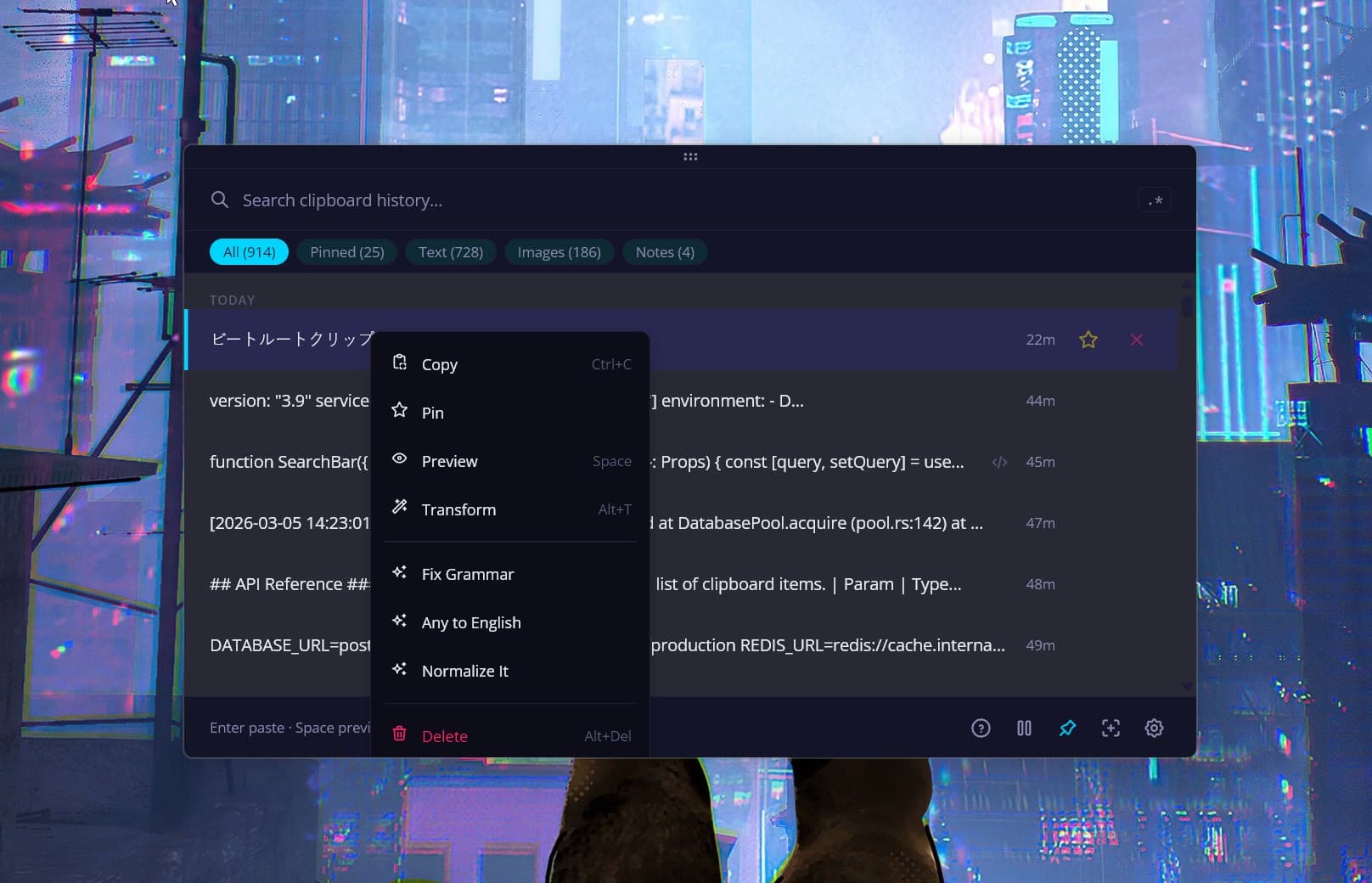
- Yes. Right-click any image → AI to use vision prompts: Read Text, Describe Image, Extract Data, Summarize, or Translate. Works with cloud providers and local models (Ollama, LM Studio). For basic OCR without AI, use the built-in Windows OCR (right-click → Extract text).
- Does it work offline?
- Yes. Everything works offline. For AI transforms, use a local model via Ollama or LM Studio. No cloud, no API key, no data leaves your machine. Even small 4B-parameter models can read handwritten text accurately.
- Does Beetroot save my passwords?
- Beetroot respects clipboard privacy signals from password managers (1Password, Bitwarden, KeePass) and skips those clips automatically. Passwords copied manually (Ctrl+C in a browser) will be saved. Everything stays in your local SQLite database; the only data that leaves your machine is a clip you deliberately send to a cloud AI transform.
- How much disk space does the database use?
- Typically 10–50 MB for thousands of text clips. Images take more. Set auto-cleanup (1/7/30 days) in Settings if needed.
- What happens to my data if I uninstall?
- Your database stays on disk, by default under
%APPDATA% (the exact path is shown in Settings → Data). Reinstall and everything is back. To remove it, delete the Beetroot data folder it points to; note that custom or older data locations, backups, and AI keys saved in Windows Credential Manager live separately, so clear your AI keys in Settings before uninstalling. - Does Beetroot support AZERTY/QWERTZ keyboards?
- Yes. Full support for AZERTY, QWERTZ, and AltGr key combinations. Beetroot detects your keyboard layout instantly when you switch with Win+Space, and hotkey labels update on the fly.
- Does Beetroot update automatically?
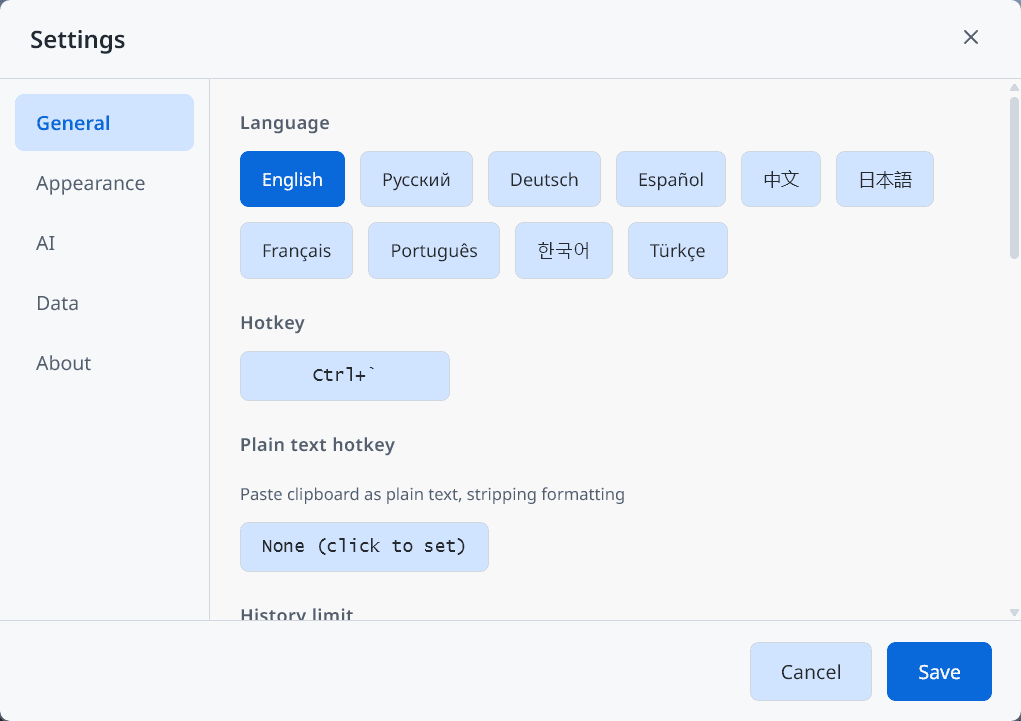
- Yes. Beetroot has a built-in auto-updater that checks for new versions and updates with one click. You can disable it in Settings > General. With auto-update off and no API key configured, Beetroot makes zero network requests. If you installed via Scoop, you can also run
scoop update beetroot. - Can I run multiple Beetroot windows?
- No. Beetroot is single-instance. Launching it again brings the existing window to focus.